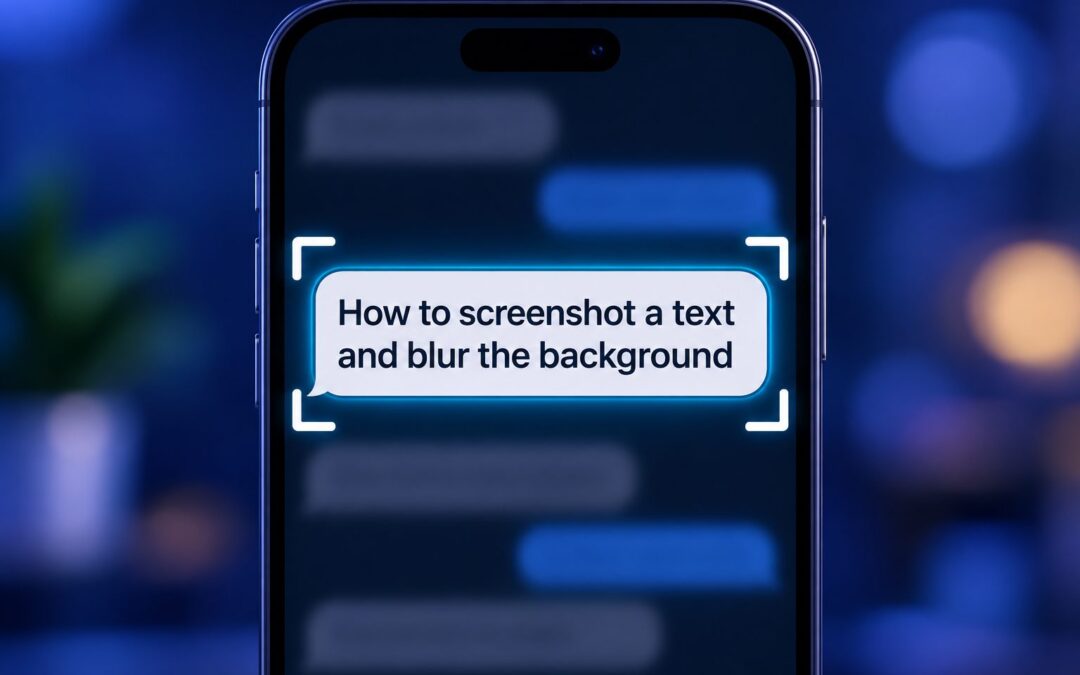
 Taking a screenshot of text and blurring the background is a simple way to keep attention on an important message while hiding distractions or private details. Whether you are sharing a quote, a chat excerpt, a note, or a helpful instruction, this technique can make...
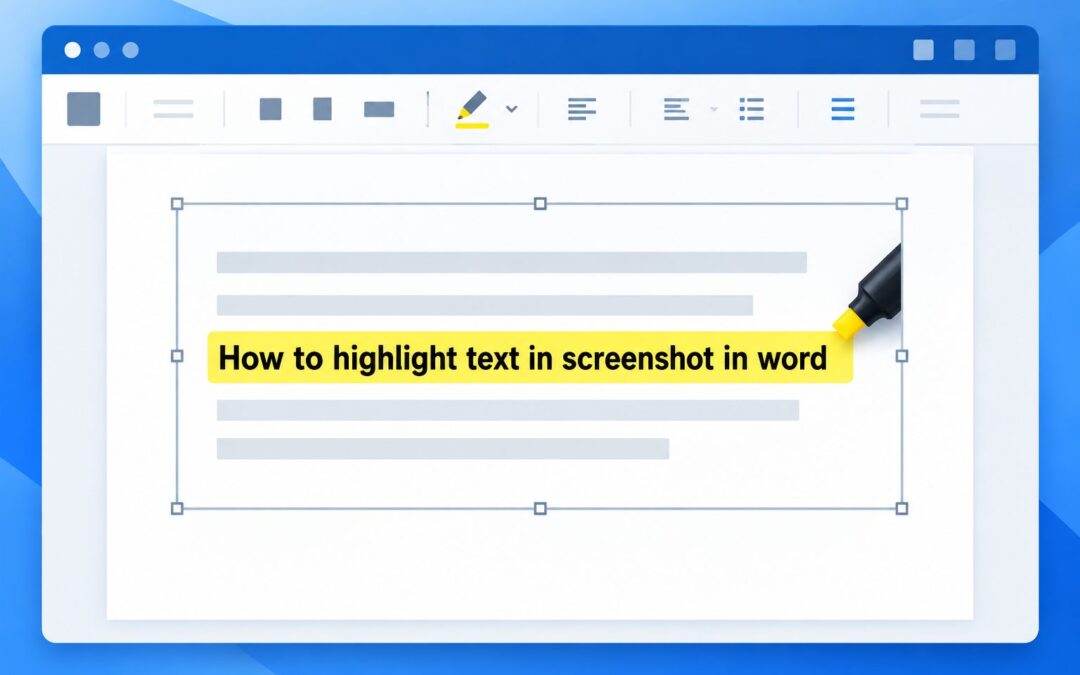 Learning how to highlight text in screenshot in Word is useful when you need to draw attention to instructions, errors, figures, or important details inside an image. Unlike editable document text, words in a screenshot cannot usually be selected with Word’s standard...
 Learning how to uncover hidden text in screenshot files can help when words are blurred, covered by markup, cropped, faded, or difficult to read because of poor image quality. However, not every hidden detail can be recovered. A screenshot records visible pixels, so...
 Translating text in an image or screenshot can turn an unreadable menu, message, sign, document, or product label into useful information within seconds. Instead of manually typing unfamiliar words into a translator, you can use optical character recognition, commonly...
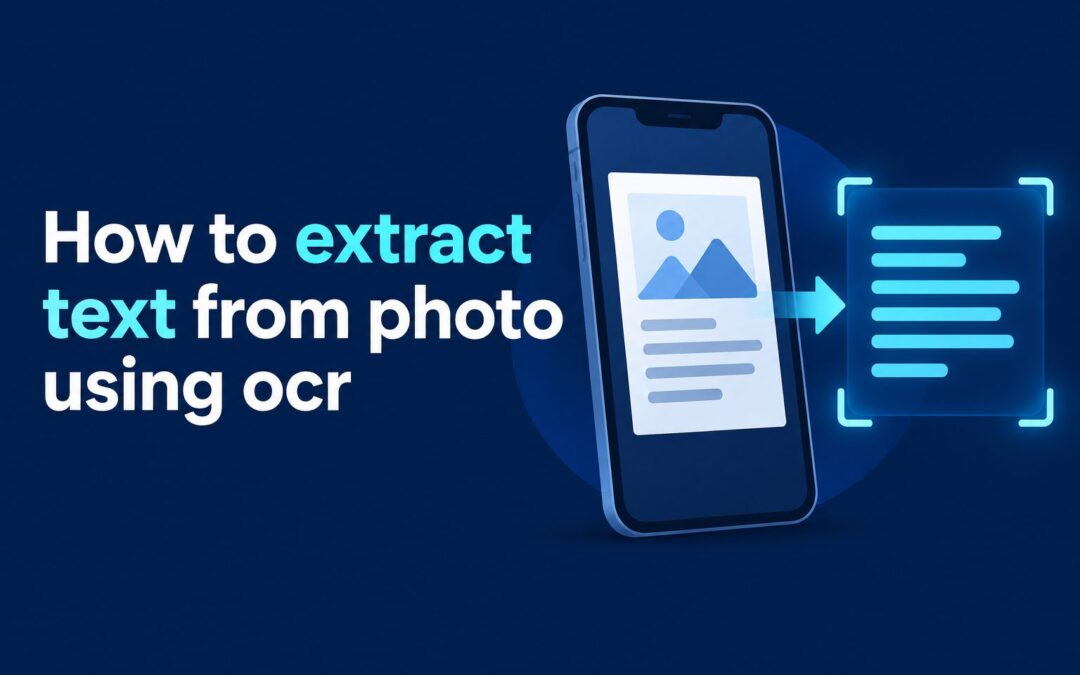 Knowing how to extract text from photo using OCR can save hours of typing and make information trapped in paper documents, screenshots, receipts, and signs usable again. OCR, or optical character recognition, reads visible characters in an image and converts them into...