Making Text Inside Images Easier to Use
imgtoText.io helps turn text from images, screenshots, photos, and supported documents into usable, editable content through an accessible OCR workflow.
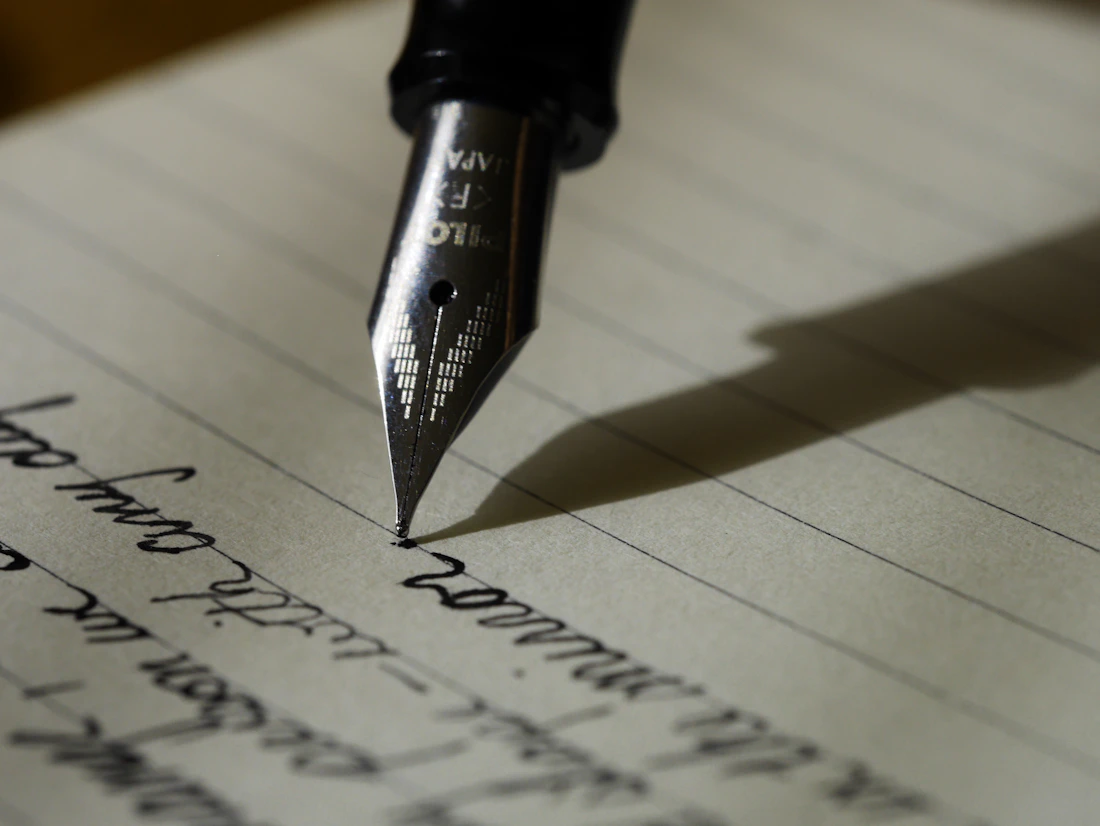
documents—ready to use.

A Simpler Way to Extract Text From Images
imgtoText.io is an image-to-text converter built around a familiar need: getting useful words out of visual content. It uses OCR to help make text from screenshots, photos, scanned materials, and supported documents easier to reuse.
Instead of treating an image as the end of the workflow, the platform helps turn visible information into editable text you can review, copy, and take wherever your work goes.
Explore how it worksUseful Information Shouldn’t Be Trapped Inside an Image
A useful paragraph may live in a screenshot. A photo may hold details that need to be copied. A scanned page may need to become editable. Retyping that content can add unnecessary effort to an otherwise simple task.
Manual Re-typing
Copying text manually can take unnecessary time when the information is already visible.
Information Locked in Images
Visual content is not always easy to edit, search, or reuse in the next step of your work.
Fragmented Workflows
Users often switch between several tools before visual information becomes usable text.
Keep Image-to-Text Conversion Simple
Our product philosophy is practical: make the workflow understandable, focused, and useful for everyday visual text extraction.
Simple
Keep the workflow straightforward.
Practical
Focus on useful everyday image-to-text tasks.
Accessible
Make the experience understandable for different users.
Focused
Stay centered on usable text from visual content.
Transparent
Communicate capabilities and policies clearly.
From Visual Content to Usable Text
Image
Start with an image containing text you need.
OCR Processing
OCR identifies visible text within supported content.
Text Extraction
Review the extracted text in an editable form.
Edit & Use
Copy, edit, and use the result where needed.
See the Idea Behind Image-to-Text Conversion

Project notes
Review the document, capture key details, and keep useful information ready for the next task.
Built Around Real-World Text Extraction Needs
Students
Extract text from study materials, notes, screenshots, and pages.
Professionals
Turn information inside documents and images into reusable text.
Researchers
Capture text from scanned references and visual research materials.
Content Creators
Reuse text from screenshots and visual references.
Businesses
Work with text contained in business documents and images.
Everyday Users
Extract text whenever typing it manually is inconvenient.
Principles Behind the Product
Clarity
The interface should be easy to understand without unnecessary complexity.
Usability
The workflow should move users from image to text with minimal friction.
Reliability
The product experience is designed around consistent, practical workflows.
Transparency
Users should understand the product, its capabilities, and its policies.
Clear About How the Product Works
imgtoText.io aims to provide a clear and responsible experience around uploaded content. We believe useful product information and accessible documentation help users make informed choices.
For current details about handling of user content and use of the service, please read our policy pages.
Turn Visual Information Into Something You Can Use
Built to Become More Useful Over Time
As imgtoText.io evolves, the product can improve around usability, supported formats, language support, workflow refinements, and the real needs of people who work with text in images.
Read the BlogQuestions About imgtoText.io
Looking for something else? Visit our FAQs or contact the team.
imgtoText.io is a platform designed to help users extract usable text from supported images and visual documents.
It supports image-to-text conversion by using OCR to identify visible text and present it as editable text.
It is designed for students, professionals, researchers, creators, businesses, and everyday users with visual text to reuse.
You can use supported images, screenshots, photos, scanned pages, and documents containing readable text.
Yes. OCR, or optical character recognition, is the process used to recognize text in an image for image-to-text conversion.
You can read the current Privacy Policy for more information.
Please use our contact page to get in touch.
Turn Images Into Text With a Simpler Workflow
Extract usable text from supported images and get back to the work that matters.